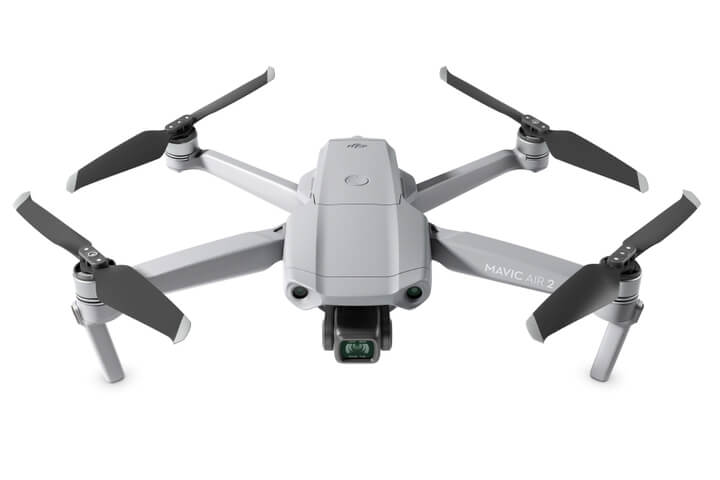
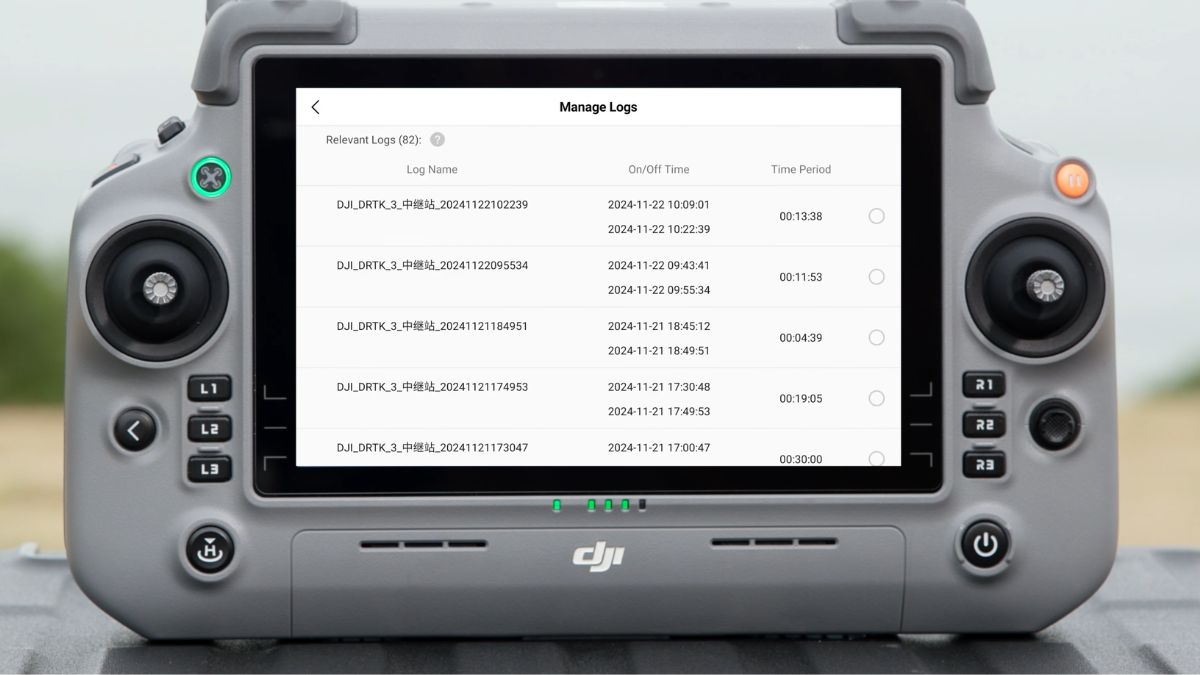
M4E Compatibility and Accuracy
Custom Network RTK is confirmed for the Matrice 4 Series on the M4E's RC Plus 2 Enterprise controller. Once connected and holding FIX, the M4E's RTK accuracy is 1cm + 1ppm horizontal and 1.5cm + 1ppm vertical, the same figures quoted on its own spec sheet regardless of correction source.
Setting Up the Connection
The steps are identical to any Custom Network RTK aircraft: RTK settings under Settings or Safety depending on firmware, RTK Positioning toggled on, RTK Service Type set to Custom Network RTK rather than D-RTK 2 or D-RTK 3, then the host, port, username, password and mount point from your NTRIP provider. Our DJI NTRIP connection guide covers each field and the troubleshooting for a stuck connection in full; nothing about that process changes on the M4E.
Which Service to Use
Emlid Corrections isn't an option here, it's tied to Emlid Reach hardware rather than DJI aircraft. Our RTK Network Subscription works directly with the M4E's Custom Network RTK setting: £1,080.00 for a year of unlimited access across more than 2,000 base stations, or £180.00 for 30 days on single projects.
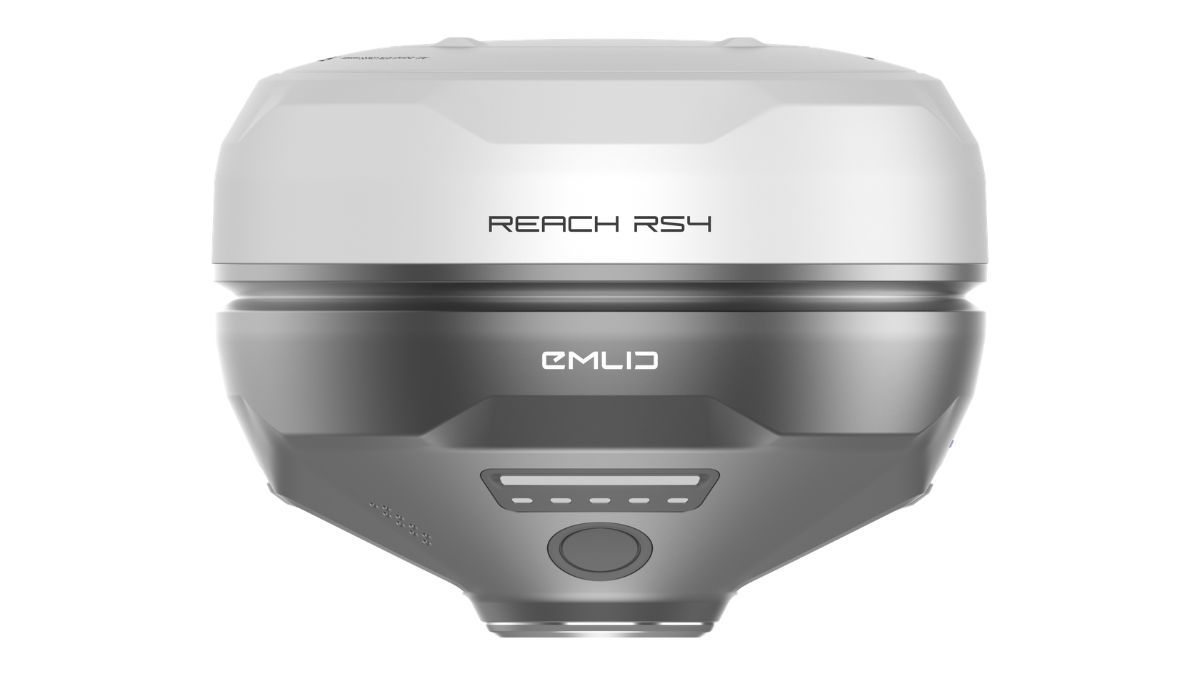
The alternative to a subscription is a physical base instead, either DJI's own D-RTK 3, confirmed compatible with the M4E, or an Emlid Reach receiver broadcasting over the same Custom Network RTK setting, both covered in our M4E RTK setup guide and our Emlid and DJI RTK drones guide.

RTK Network Subscription - 1Y Unlimited
More than 7,500 base stations · Accuracy of 1.5cm with EU Certification
 Free Gifts Included
 Free Gifts Included
Common Questions
No. Custom Network RTK works identically across confirmed aircraft; only the credentials you enter change, not the process.
No. It's delivered through Emlid Flow and licensed to Emlid Reach receivers, not accessible from Pilot 2 directly.
1cm + 1ppm horizontal, 1.5cm + 1ppm vertical once the status reaches FIX, matching the M4E's own spec sheet.
Depends on coverage and how often you're working the same sites, not on anything specific to the M4E over other confirmed aircraft; our DJI NTRIP connection guide covers that tradeoff in general terms.