
Oblique Capture vs Orthophoto: Choosing the Right Mode
Orthophoto mode (3-directional) prioritises speed and coverage for large, relatively flat sites, DJI's own case data shows 3,815 images captured in around 47 minutes over open ground. Oblique capture (5-directional) prioritises detail on vertical faces and irregular structures, buildings, heritage sites, complex rooflines, at the cost of more flight time for the same ground area. The choice comes down to what the site actually looks like: flat and expansive favours orthophoto, vertical and complex favours oblique.
Setting Up an Oblique Mission in DJI Pilot 2
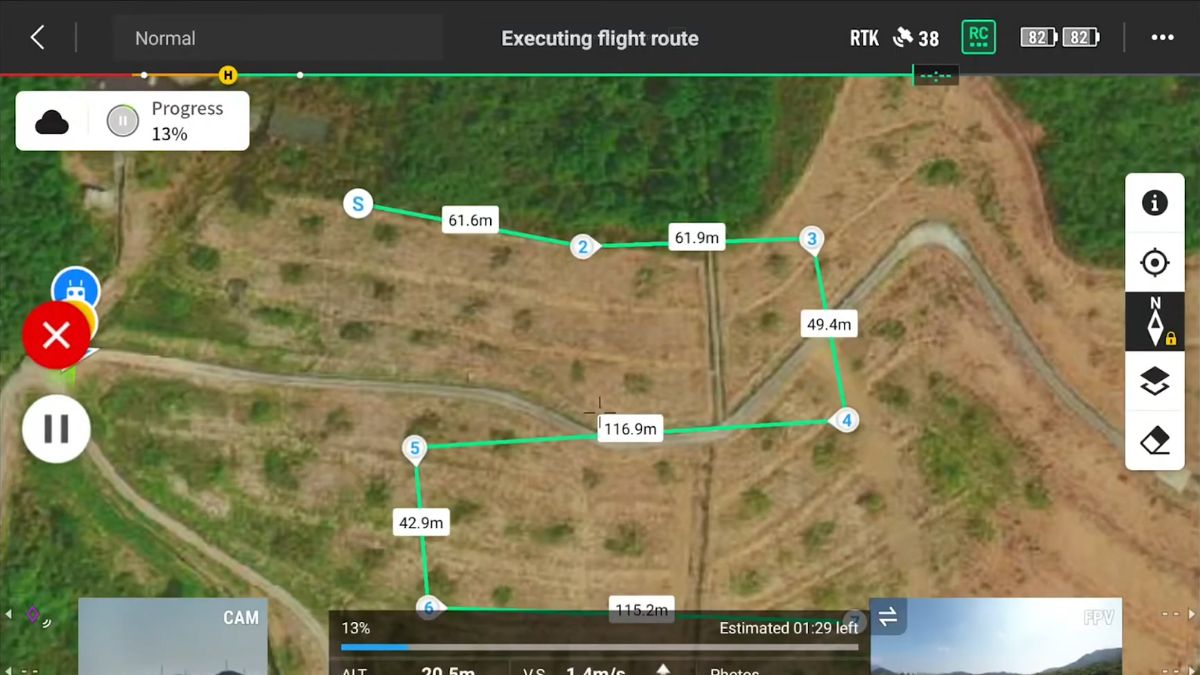
General enterprise-series guidance for oblique missions recommends around 80% overlap for both the regular and oblique image sets, and a flight altitude in the 75 to 120m (250 to 400ft) range. This guidance is documented for the Matrice 300/350 and Mavic 3 Enterprise platforms specifically, where oblique capture traditionally needed separate flight bands for the nadir and oblique image sets to get a clean result.
The Matrice 4E's automatic gimbal rotation is a newer, purpose-built mechanism that captures all five directions in one pass rather than needing that older separate-band approach, DJI's own efficiency figures above reflect this. DJI hasn't published whether the same manual band-separation advice still applies on top of the automatic rotation, so treat the overlap and altitude figures as a sound starting point rather than an M4E-confirmed instruction, and check DJI's own Matrice 4E mission planning documentation before finalising settings on a real job.
Camera Settings for 3D Capture
The same Shutter Priority setup used for orthomosaic capture applies here: mechanical shutter enabled on the wide camera, 1/1000s in good light, dropping toward 1/800s in lower light. Dewarping stays off during capture, DJI Terra applies its own distortion correction using the camera's factory calibration during processing rather than the aircraft correcting it in flight.
Processing into a 3D Model in DJI Terra
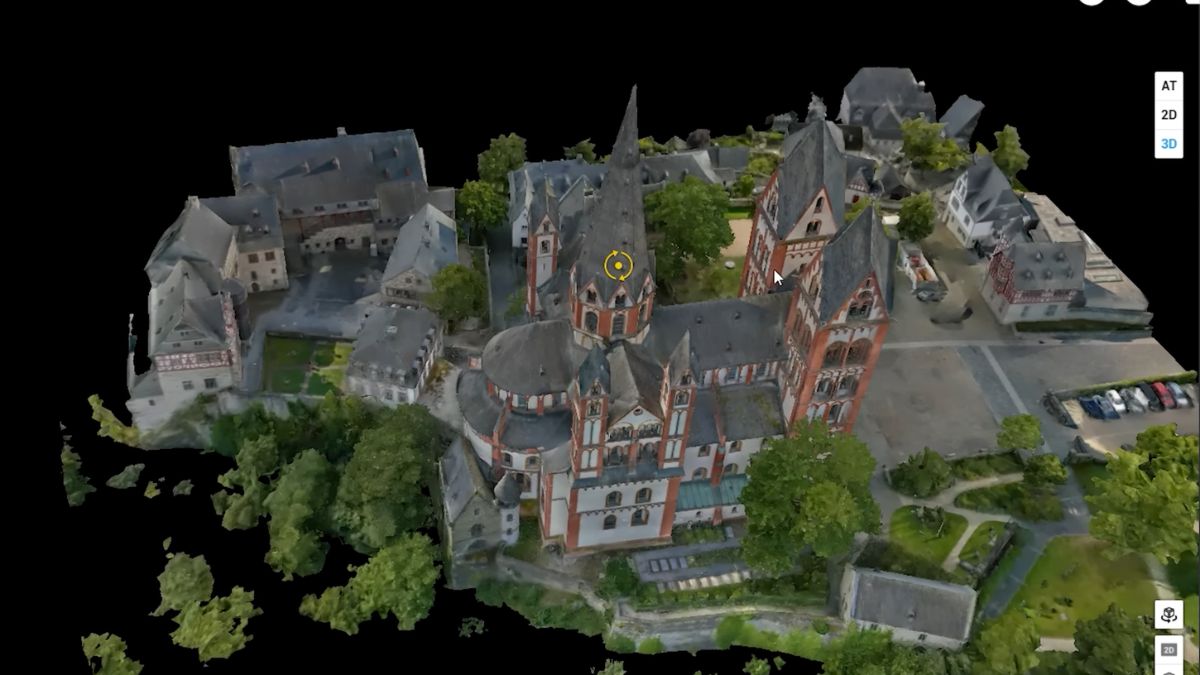
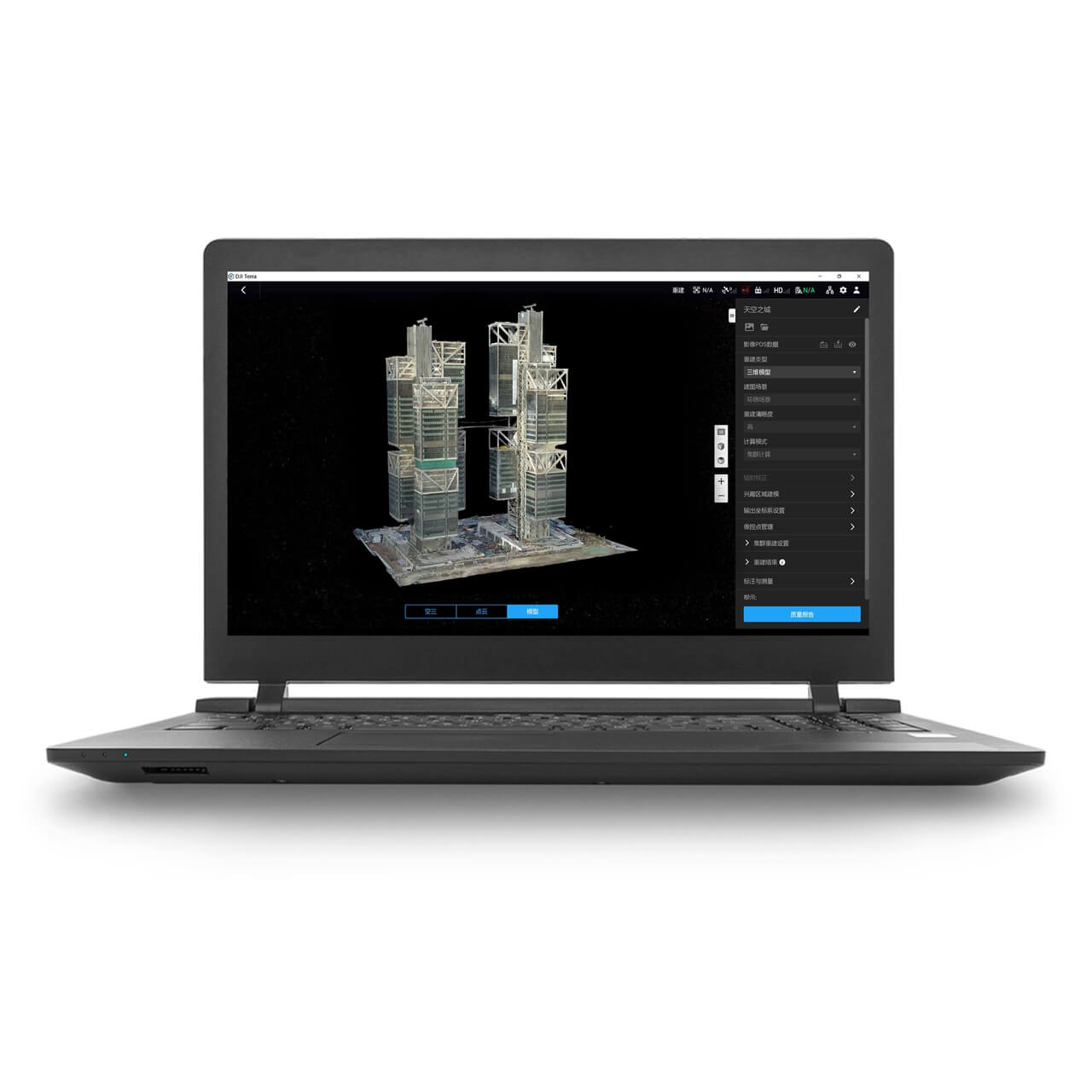
DJI Terra builds a textured mesh from the oblique image set by the same underlying alignment process used for an orthomosaic, just working from images captured at multiple angles instead of a single nadir view, which is what lets it reconstruct vertical surfaces rather than only a flat top-down map. The mesh output measures accurately and exports to formats like OBJ for CAD and BIM workflows.
DJI Terra also offers 3D Gaussian Splatting as a separate reconstruction method from the same image set. Rather than building polygons, it represents the scene as millions of small coloured points, producing a more photorealistic result on visually complex subjects like foliage, steel structures and reflective surfaces than a traditional mesh typically achieves. It's a visualisation and client-communication tool rather than a measurement one, a Gaussian Splatting model isn't the format to pull dimensions or CAD data from, that still comes from the mesh or point cloud output.
What This Means in the Field
Oblique capture costs more flight time and battery than orthophoto mode for the same ground area, worth reserving for sites where the vertical detail actually matters rather than defaulting to it. A flat site with no significant vertical structure is still better served by the orthophoto workflow in our setup guide.
Choosing between the mesh and Gaussian Splatting outputs comes down to what the model is for: a client walkthrough or presentation favours Gaussian Splatting's visual quality, while any deliverable that needs measurements, CAD import or engineering use needs the mesh or point cloud instead. Both come from the same flight, so the choice is made at processing time, not capture time.
 Free Gifts Included


DJI Matrice 4E RTK Bundle
The Ultimate Mapping Package · D-RTK 3, Tripod & Four Batteries Included
Common Questions
No, the automatic gimbal rotation captures all five directions in a single pass. That's a difference from older platforms like the Mavic 3 Enterprise, where documented guidance recommends separate flight bands for the best result.
When the site has meaningful vertical detail, buildings, complex rooflines, heritage structures, rather than being largely flat. Orthophoto mode is faster and covers more ground on sites without that vertical complexity.
The mesh is built from polygons and measures accurately, suited to CAD, BIM and engineering use. Gaussian Splatting represents the scene as coloured points rather than geometry, producing a more photorealistic result for visualisation, but it isn't a source for measurements or CAD data.
Not from the same capture mode. Orthophoto mode is optimised for the flat, top-down images an orthomosaic needs; oblique mode captures the multi-angle images a 3D model needs. Which one to fly depends on the deliverable required.
For a photorealistic Gaussian Splatting visualisation, not strictly. For a mesh or point cloud that needs to measure correctly, a live RTK correction keeps each image's geotag accurate, which carries into the model's positional accuracy the same way it does for an orthomosaic.