How to Use a DJI D-RTK Base Station
Setting up a D-RTK 3 as a base station is a one-time job; using it well on an actual survey or mapping site is a different skill, reading the correction status during a flight, knowing when FIX has genuinely dropped out rather than just fluctuating, and understanding what limits how many aircraft it can serve at once. This post covers that field workflow, once the station itself is already positioned and calibrated (covered in our D-RTK 3 setup guide).
Running More Than One Aircraft Off a Single Base Station
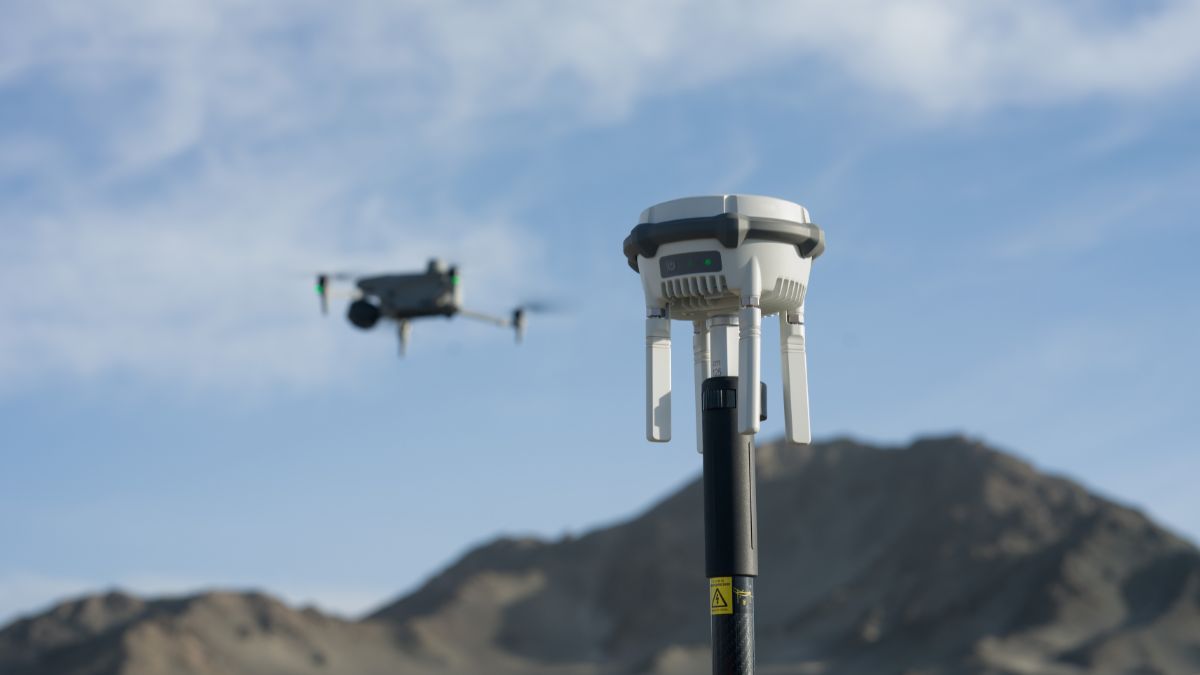
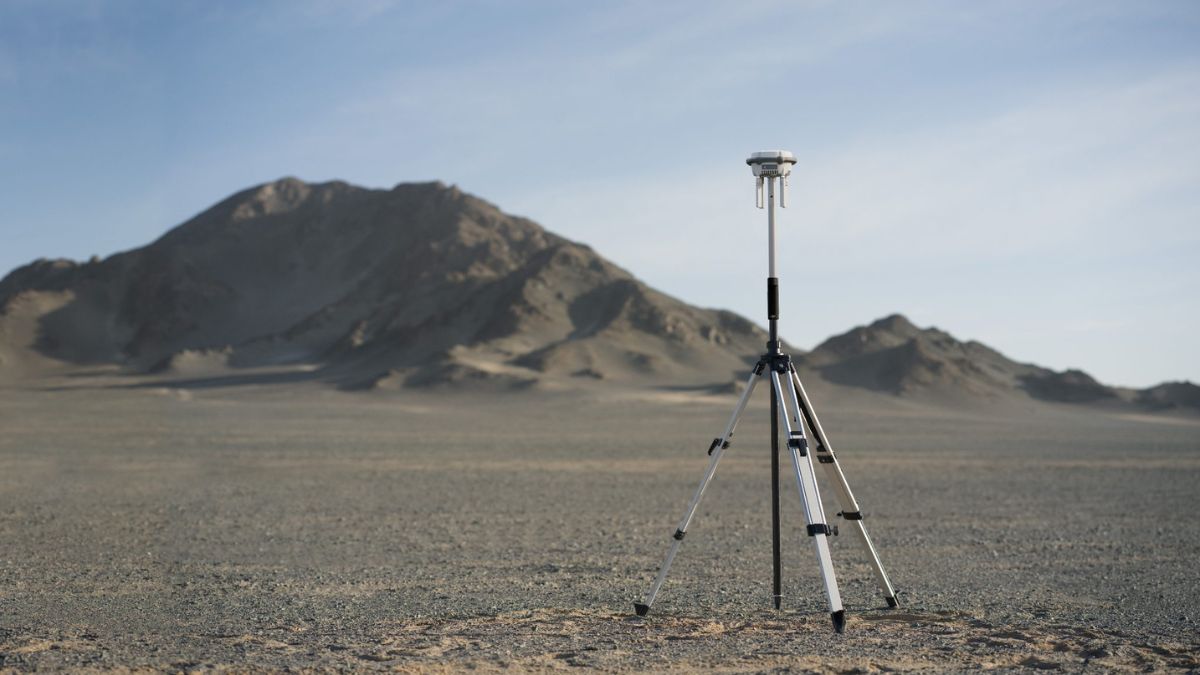
Base Station Mode broadcasts corrections to multiple aircraft simultaneously rather than pairing exclusively to one, DJI doesn't publish a hard limit on how many can connect at once. In practice, the limiting factor on a real site is transmission range and line of sight, not a software cap: a station covering 15km to Matrice 4 Series aircraft in open ground will hold a stable link to several aircraft working within that radius, but the same station tucked behind a building or tree line will struggle with even one.
Reading Correction Status Mid-Flight
DJI Pilot 2 shows the RTK status on the flight screen throughout the mission: FIX means centimetre-level accuracy is active, FLOAT means a correction is being applied but hasn't converged to full precision, and SINGLE means the aircraft has lost the correction link entirely and is on GPS alone. Capturing survey-grade data on anything other than FIX defeats the purpose of running RTK at all, worth checking the indicator before starting a mapping grid, not just at takeoff.
When FIX Won't Hold
The same fundamentals that make RTK work at all are usually behind a stuck or dropped FIX. Distance between the aircraft and the base station is the biggest single factor, correction accuracy degrades the further apart they are, well before the station's rated maximum range. Obstruction between the two, buildings, trees, or terrain, has the same effect as distance even at short range. Poor satellite visibility at either end reduces the fix quality independently of the correction link itself. After powering on the station or reconnecting a dropped link, convergence typically takes a couple of minutes, moving the aircraft or the base station during that window resets the process rather than speeding it up.
Verifying the Data After the Job
FIX status during the flight is a good sign, not a guarantee that every captured photo carries it. DJI's own photo metadata records the actual correction state for each image individually, covered in detail in our DJI RTK setup guide, worth checking against that before treating a dataset as fully validated.
What This Means in the Field
FIX is the only status worth capturing final data on, FLOAT and SINGLE data should be treated as provisional at best. A stuck FIX is almost always a distance, obstruction or satellite visibility problem rather than a fault with the station itself, checking those three before assuming the hardware needs attention saves time on site. Running multiple aircraft from one base station works well within the station's transmission range in open ground, the same conditions that keep a single aircraft's link stable.

RTK Network Subscription - 1Y Unlimited
More than 7,500 base stations · Accuracy of 1.5cm with EU Certification
 Free Gifts Included

 Free Gifts Included
Common Questions
Yes, Base Station Mode broadcasts to multiple aircraft simultaneously. DJI doesn't publish a maximum count, transmission range and line of sight are the practical limits on a real site.
A correction is being applied but hasn't converged to full centimetre-level accuracy yet. Data captured in FLOAT shouldn't be treated as survey-grade.
Up to the station's rated transmission range in good conditions, 15km to Matrice 4 Series aircraft in open ground, but accuracy degrades with distance well before that limit, and obstruction reduces the effective range further.
Check distance to the base station, line of sight between the two, and satellite visibility at both ends before assuming a hardware fault. Wait a couple of minutes after powering on or reconnecting rather than moving immediately.
Yes, the station's calibration is tied to its physical position; moving it between sites means repeating the placement and calibration steps covered in our D-RTK 3 setup guide.