
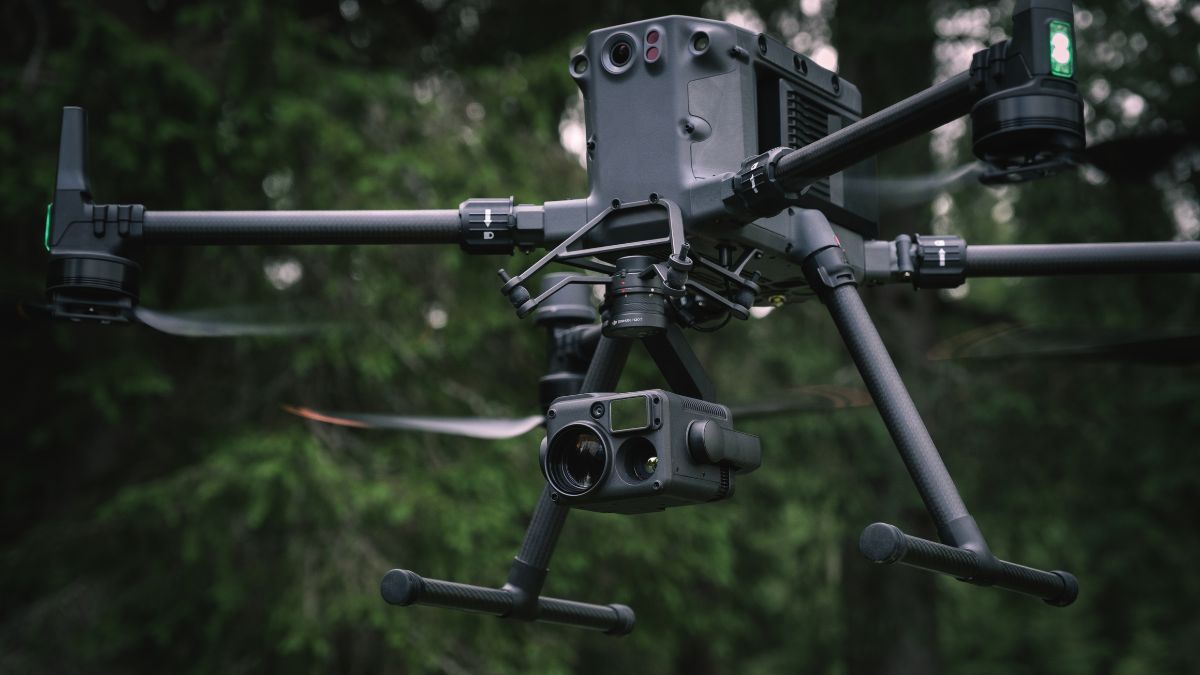
M350 RTK Specs at a Glance
The M350 RTK's Fix accuracy, 1cm + 1ppm horizontal and 1.5cm + 1ppm vertical, is confirmed on its own spec sheet, matching the newer Matrice 4 Series exactly. Custom Network RTK, DJI Pilot 2's setting for connecting to any NTRIP service, is confirmed for the M350 RTK on its DJI RC Plus controller, per DJI's own product FAQ.

Turning RTK On
The toggle and menu path are identical to every current DJI Enterprise aircraft: Camera View, the three dots menu, then the RTK satellite icon, with RTK Positioning as the main switch. Our DJI RTK setup guide covers this step in full; nothing about it changes on the M350 RTK specifically.
Correction Source Options for the M350 RTK
Two confirmed options apply. Custom Network RTK connects to any NTRIP provider, our DJI NTRIP connection guide covers the field-by-field setup. The D-RTK 2 Mobile Station is DJI's own confirmed base station for this aircraft, per DJI's Matrice 350 RTK FAQ, connecting via DJI Pilot 2 and supporting the RTCM3.2 protocol.
DJI's newer D-RTK 3 station isn't a confirmed pairing for the M350 RTK, both DJI's and Drone Safe Store's listed compatibility for it covers the Matrice 4 Series and Matrice 4D Series specifically. An Emlid Reach receiver also works as a third-party base over the same Custom Network RTK setting, covered in our Emlid with a DJI Enterprise drone guide.
Verifying RTK on M350 RTK Captures
Every photo carries the same rtk_flag metadata covered in our DJI RTK setup guide, a value of 50 for FIX, 34 to 49 for FLOAT. Checking this after a mapping or inspection flight confirms the correction held throughout rather than dropping partway through without being noticed at the time.


RTK Network Subscription - 1Y Unlimited
More than 7,500 base stations · Accuracy of 1.5cm with EU Certification
 Free Gifts Included
Common Questions
No. RTK is built into the airframe as standard, the same as its predecessor the M300 RTK.
Not confirmed. DJI's and Drone Safe Store's listed D-RTK 3 compatibility covers the Matrice 4 Series and Matrice 4D Series specifically; the D-RTK 2 Mobile Station is the confirmed base station for the M350 RTK instead.
Current listings are marked discontinued at time of writing. Speak to our team directly for stock and parts availability if you're running an existing fleet.
Yes. Custom Network RTK works identically across confirmed aircraft, the M350 RTK included.
1cm + 1ppm horizontal, 1.5cm + 1ppm vertical once the status reaches FIX, the same figures as the current Matrice 4 Series.