Compatible DJI Aircraft
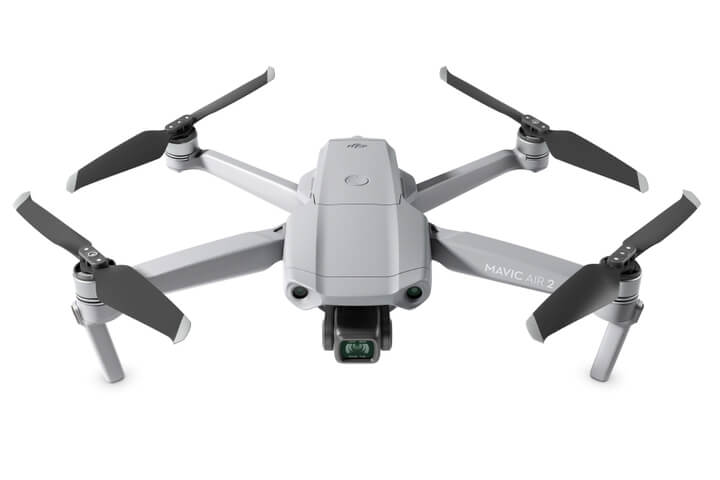
DJI Pilot 2's Custom Network RTK setting is confirmed for the Phantom 4 RTK, Mavic 3 Enterprise RTK, Matrice 300 RTK, Matrice 350 RTK and Matrice 4 Series (M4E, M4D, M4T). The Matrice 400 is not confirmed for this feature in current documentation from either manufacturer; if your fleet includes it, confirm compatibility before relying on a network connection for that aircraft specifically.
Before You Connect
The aircraft needs a valid GNSS position before the caster can generate corrections for it. Connecting before that position is established sends a null coordinate to the server, and the connection will sit without resolving no matter how long you wait, power on, wait for the aircraft to show a GNSS lock, and only then proceed to RTK settings.
The controller needs its own internet connection throughout the flight, either a mobile hotspot with a strong, stable signal or a SIM in the controller itself. A weak connection here is the most common cause of RTK dropping mid-flight.

Setting Up Custom Network RTK in DJI Pilot 2
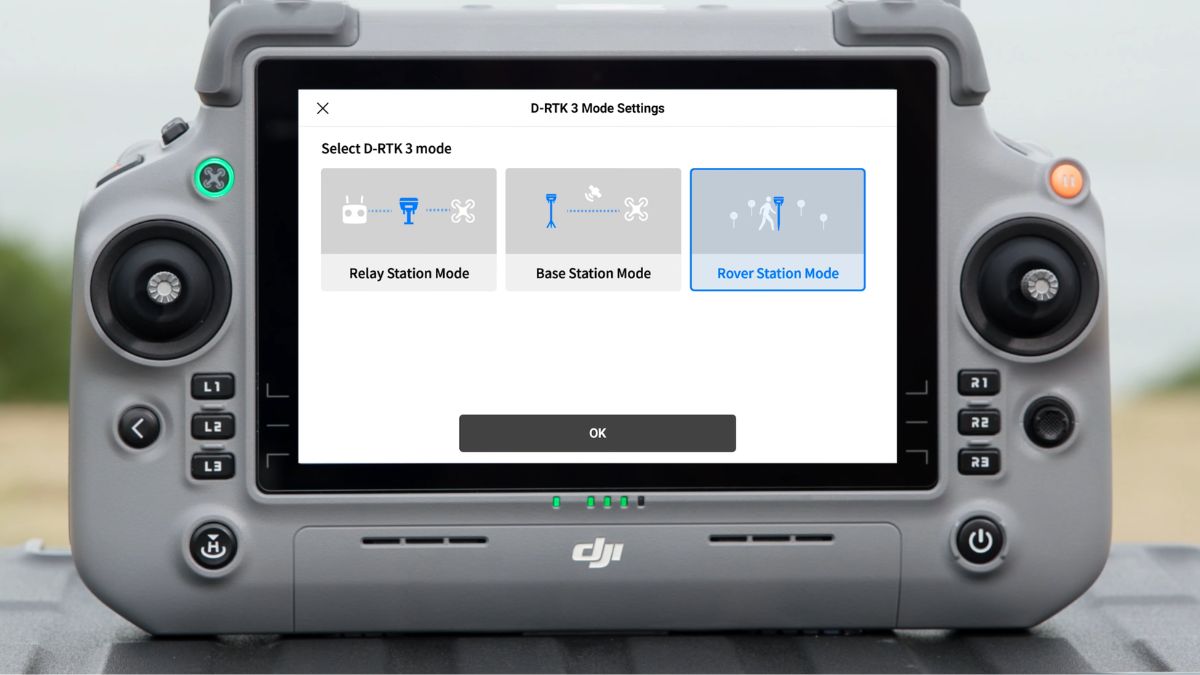
In Pilot 2, RTK settings sit under Settings or Safety depending on firmware version, both lead to the same screen. Toggle RTK on, then set RTK Service Type to Custom Network RTK, not D-RTK 2 Mobile Station or D-RTK 3, which are for DJI's own hardware and won't accept third-party credentials.
Five fields come from your NTRIP provider: the host address, the port (2101 is the standard default across most services), a username, a password, and a mount point identifying the specific correction stream. Enter these exactly as supplied, a mistyped mount point is a common reason a connection fails silently rather than with a clear error.
Confirming the Connection
After entering credentials and tapping connect, the status progresses through No Corrections, SINGLE, FLOAT and FIX. FIX is the state that matters: accuracy should read in the 1 to 2cm range, and the satellite count shown alongside it should be in the mid-teens or higher.
A connection that reaches FLOAT and stays there usually resolves itself within a short wait once the GNSS lock is solid; one that never leaves No Corrections points to a credentials or connectivity problem rather than a positioning one.
Troubleshooting
Issue | Likely cause | Fix |
|---|---|---|
Connection won't start | RTK Service Type set to D-RTK rather than Custom Network RTK | Switch to Custom Network RTK |
Stuck on FLOAT | GNSS lock wasn't established before connecting | Disconnect, wait for a solid satellite lock, reconnect |
No response from server | Wrong port or host address | Confirm both exactly against what your provider issued |
Silent failure at FIX attempt | Mount point typed incorrectly | Re-enter the mount point exactly as supplied, case-sensitive |
RTK drops mid-flight | Weak or unstable controller internet connection | Switch to a dedicated mobile hotspot with a stronger signal |
Which NTRIP Service to Use
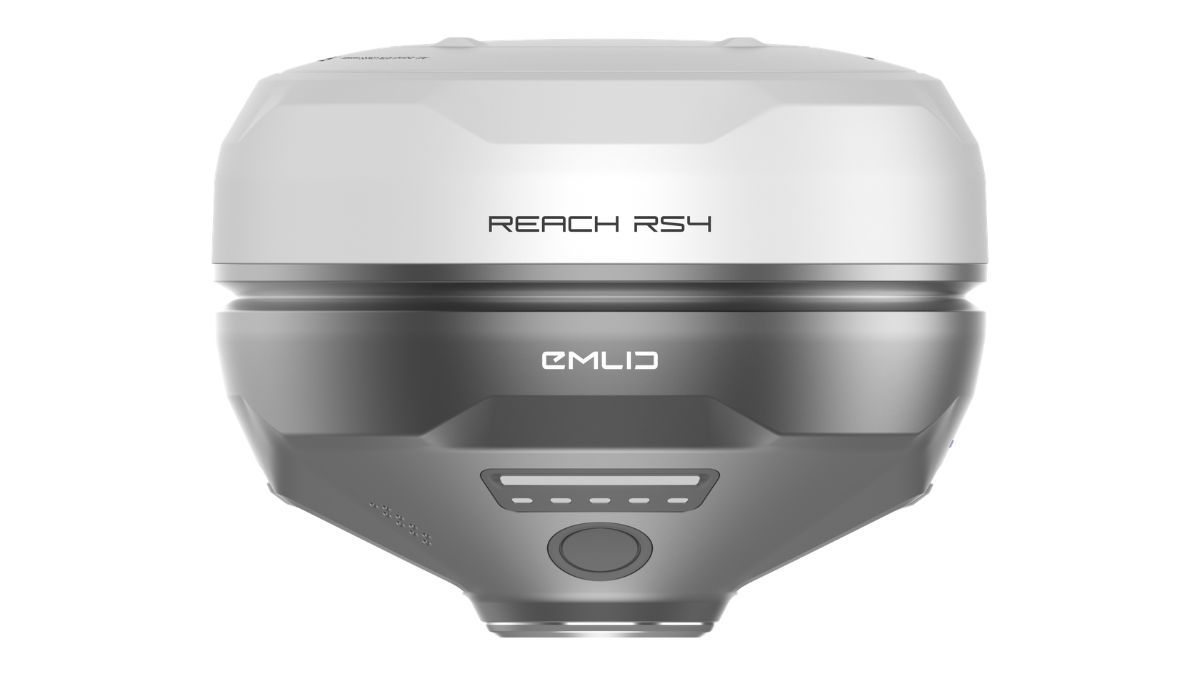
Emlid Corrections is delivered through Emlid Flow and tied to Emlid Reach hardware, so it isn't an option for a DJI aircraft connecting directly. Our RTK Network Subscription is built to work with any brand of compatible GNSS device, including DJI's Custom Network RTK setting, at £1,080.00 for a year of unlimited access across more than 2,000 base stations, or £180.00 for 30 days on single projects.
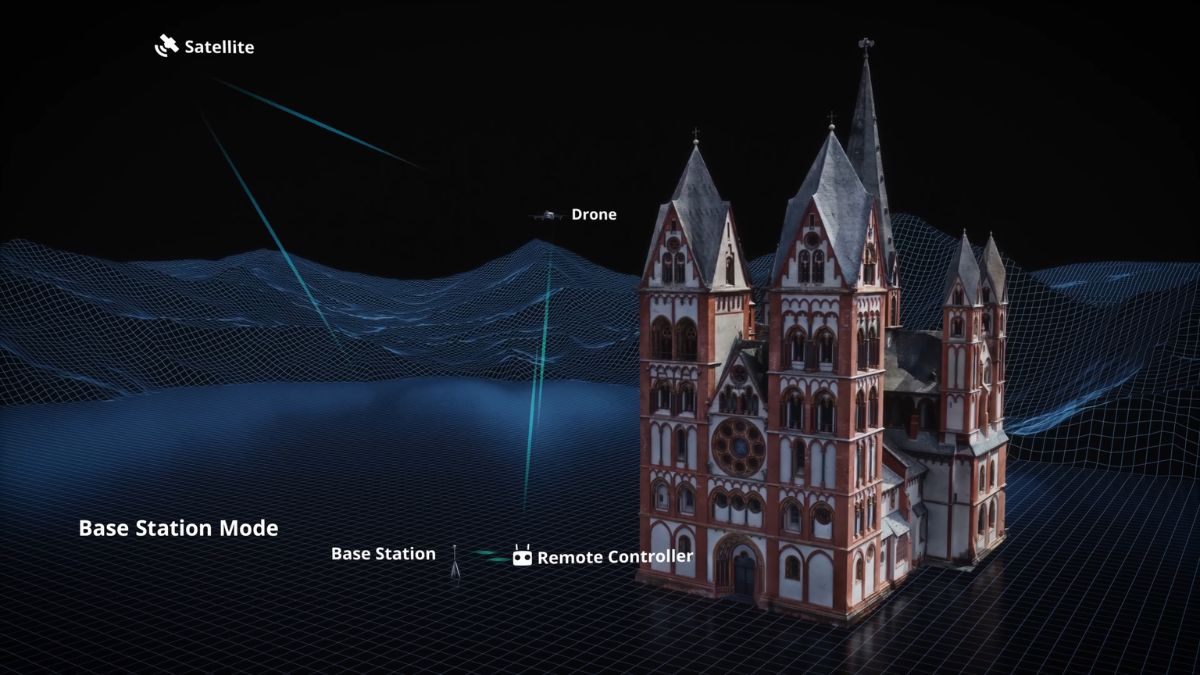
The alternative to a subscription is a physical base station instead, either DJI's own D-RTK 3 or an Emlid Reach receiver broadcasting over NTRIP, both covered in our Emlid and DJI RTK drones guide.

RTK Network Subscription - 1Y Unlimited
More than 7,500 base stations · Accuracy of 1.5cm with EU Certification
 Free Gifts Included
 Free Gifts Included
Common Questions
No. It's a software setting in Pilot 2 that connects to any NTRIP provider, no D-RTK station or base receiver required.
No. It's delivered through Emlid Flow and licensed to Emlid Reach receivers, not compatible with Pilot 2's Custom Network RTK setting.
Check that the aircraft has a valid GNSS position before you connect. Connecting too early is the most common cause of a connection that never resolves.
Not confirmed in current documentation from DJI or third-party NTRIP providers. Confirm directly before relying on it for that aircraft.
1 to 2cm once the status reaches FIX, consistent with standard network RTK performance across compatible aircraft.