The Comparison at a Glance
Factor | DJI Terra | DroneDeploy |
|---|---|---|
Price | £1,600.00 to £2,020.00/year (Standard), up to £9,310.00 (Flagship + Modify, Permanent) | $4,188/year (Flight & Analysis, single pilot, up to 3,000 images/map), custom pricing for the Advanced tier |
Licence model | Per-device, annual or one-time permanent tiers available | Subscription only, per-seat |
Processing location | Local desktop | Cloud-based |
Flight planning included | No, DJI Pilot 2 handles flight missions separately | Yes, DroneDeploy's own flight app plans and flies missions across supported drone brands |
Hardware compatibility | Built specifically for DJI aircraft | Any drone brand, plus 360 cameras, fixed cameras and smartphones |
Aerial LiDAR processing | Yes, Zenmuse L1/L2/L3 point clouds natively | Not confirmed as a core aerial-plan feature; DroneDeploy's published LiDAR support sits under Ground Pro for mobile and ground-based scans, a different workflow from drone-mounted LiDAR |
Offline use | Yes, offline activation on Standard and Permanent tiers | No offline capability found on DroneDeploy's own pricing page, cloud-based throughout |
Collaboration | Local files, shared manually | Cloud-native sharing, integrates with OneDrive, Google Drive, Box and similar services |
Flight Planning Is Bundled Differently
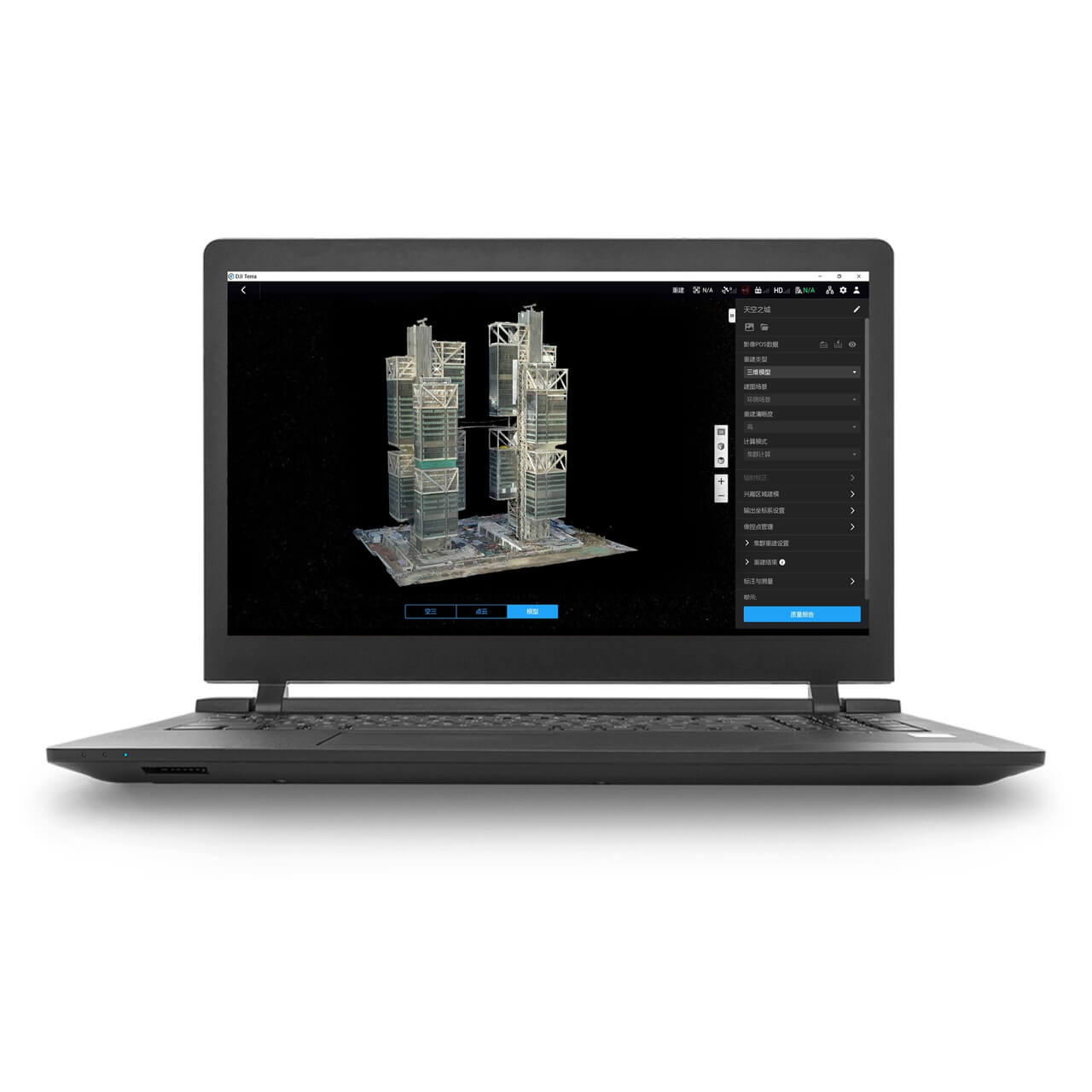
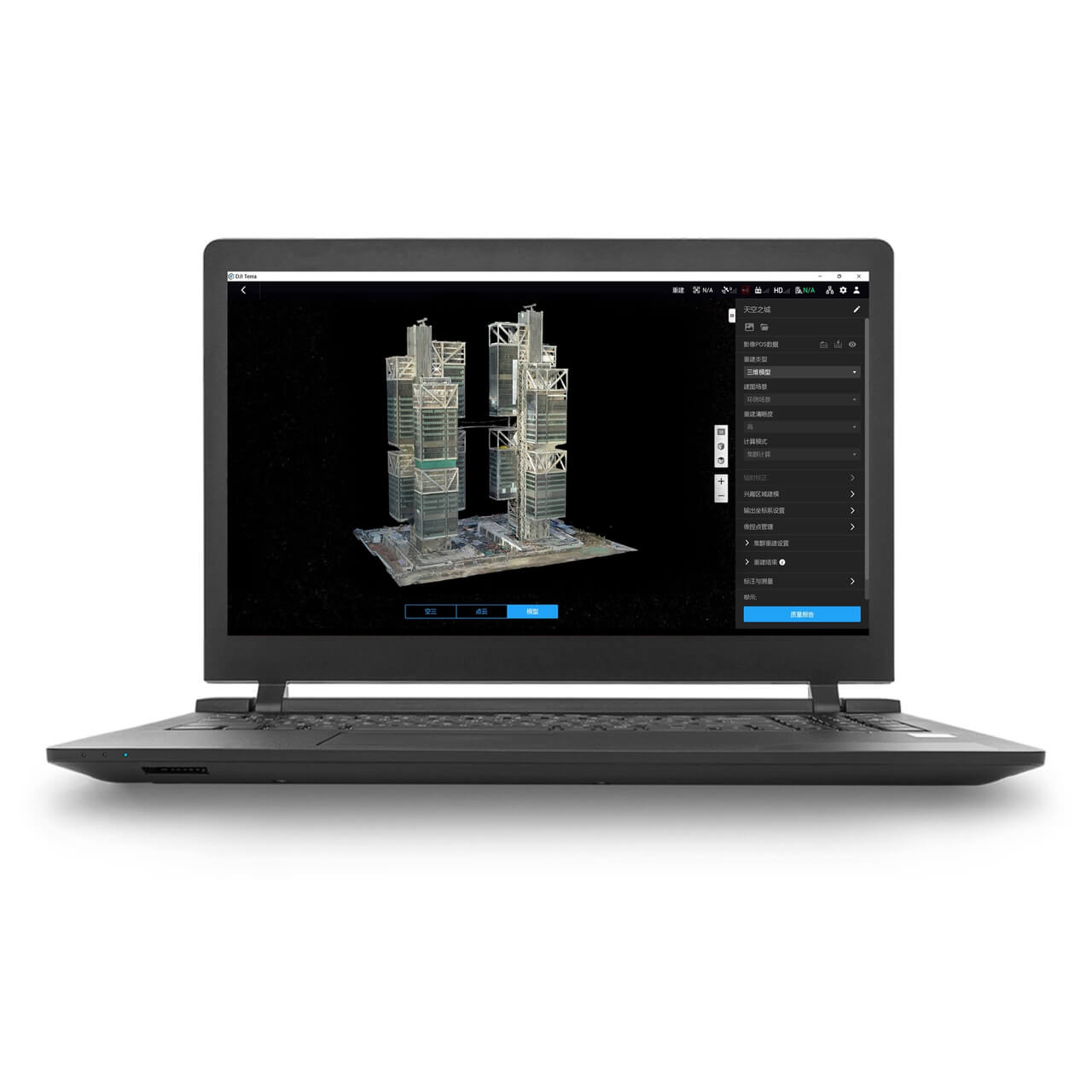
DroneDeploy's platform includes its own flight-planning app, covering mission automation across supported drone brands rather than one manufacturer's aircraft. That's a meaningfully different product shape to DJI Terra, which is processing software only, flight planning for DJI aircraft happens separately in DJI Pilot 2.
For a DJI-only operation this split doesn't cost anything in practice, Pilot 2 plans the mission and Terra processes the result. For a team wanting one platform covering flight planning and processing together, particularly across a mixed fleet, DroneDeploy's bundled approach removes a step DJI's two-app split doesn't.


Hardware Ecosystem: DJI-Only vs Any Brand
DJI Terra imports flight logs and RTK/PPK data directly from DJI aircraft with no conversion step, since DJI builds both the hardware and the software. DroneDeploy works with any drone brand DroneDeploy supports, plus 360 cameras, fixed site cameras and smartphones, so a business running mixed hardware isn't locked into one manufacturer's processing tool.
That flexibility comes at the cost of the tight native integration DJI Terra has with DJI's own aircraft and payloads. A DJI-only fleet gets the more direct workflow from DJI Terra; a mixed or multi-brand fleet gets more use out of DroneDeploy's broader hardware support.
LiDAR Is the Clearest Technical Gap
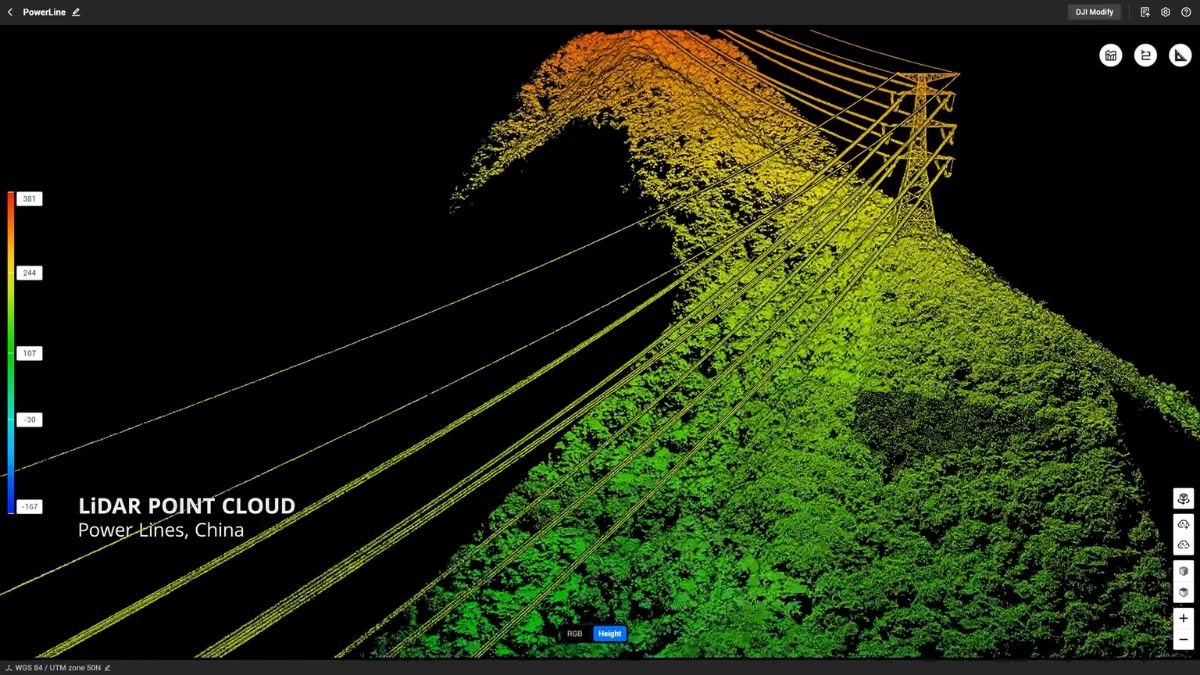
DJI Terra processes point clouds from DJI's own Zenmuse L1, L2 and L3 LiDAR payloads directly, confirmed on DJI's own product listings. DroneDeploy's published LiDAR handling, per its own pricing page, sits under the Ground Pro plan and covers uploading mobile and ground-based 3D laser scans in .e57 and .PLY formats, captured from an iPhone or iPad's own LiDAR sensor rather than a drone-mounted payload.
That's a genuinely different workflow to processing a Zenmuse L2 or L3's aerial point cloud, and DroneDeploy's own pricing page doesn't confirm native processing for DJI's drone-mounted LiDAR payloads the way DJI Terra does. An operation running Zenmuse LiDAR specifically should confirm this directly with DroneDeploy before assuming parity, rather than take the presence of "LiDAR" in DroneDeploy's plan names as equivalent.
Cloud vs Desktop, and What That Means for Remote Sites
DJI Terra processes locally on hardware you own, and its Standard and Permanent tiers both support offline activation, useful for air-gapped machines or sites with no internet connection at all. DroneDeploy is cloud-based throughout, uploading captured data for processing on DroneDeploy's own servers, with no offline capability mentioned on its pricing page.
That makes DroneDeploy dependent on a working internet connection to get data processed, in exchange for cloud-native sharing and storage integration (OneDrive, Google Drive, Box and similar) that a local DJI Terra install doesn't offer out of the box. A remote site with unreliable connectivity favours DJI Terra's offline capability; a distributed team needing shared, always-accessible results favours DroneDeploy's cloud model.
Choosing Between DJI Terra and DroneDeploy
A DJI-only fleet, particularly one running Zenmuse LiDAR payloads, or a site with poor or no internet connection where offline processing matters, is more directly served by DJI Terra. A mixed or multi-brand fleet, a distributed team needing cloud-native collaboration, or an operation that wants flight planning and processing in one platform rather than DJI's two-app split, is better served by DroneDeploy despite giving up DJI's tighter native integration.
Drone Safe Store carries DJI Terra directly as an official DJI Enterprise partner; DroneDeploy isn't part of our current range, so a business already committed to DroneDeploy would manage that subscription directly through DroneDeploy rather than through us.
Common Questions
No, flight missions for DJI aircraft are planned in DJI Pilot 2 separately. DJI Terra is processing software only. DroneDeploy bundles flight planning and processing into one platform.
Not confirmed as a core feature. DroneDeploy's own pricing page describes its LiDAR support under Ground Pro for mobile and ground-based scans, a different workflow from a drone-mounted Zenmuse payload's aerial point cloud, which DJI Terra processes natively.
On the numbers published by each, yes, DJI Terra's Standard tier starts at £1,600.00 a year against DroneDeploy's $4,188 a year for its Flight & Analysis plan, though the two aren't offering identical capability for that price.
DroneDeploy supports multiple drone brands rather than one manufacturer's ecosystem, so DJI aircraft are among the hardware it can work with, though without DJI Terra's native, conversion-free data import.
No, DroneDeploy isn't part of our current range. We carry DJI Terra directly as an official DJI Enterprise partner.