Fit the RTK Module First
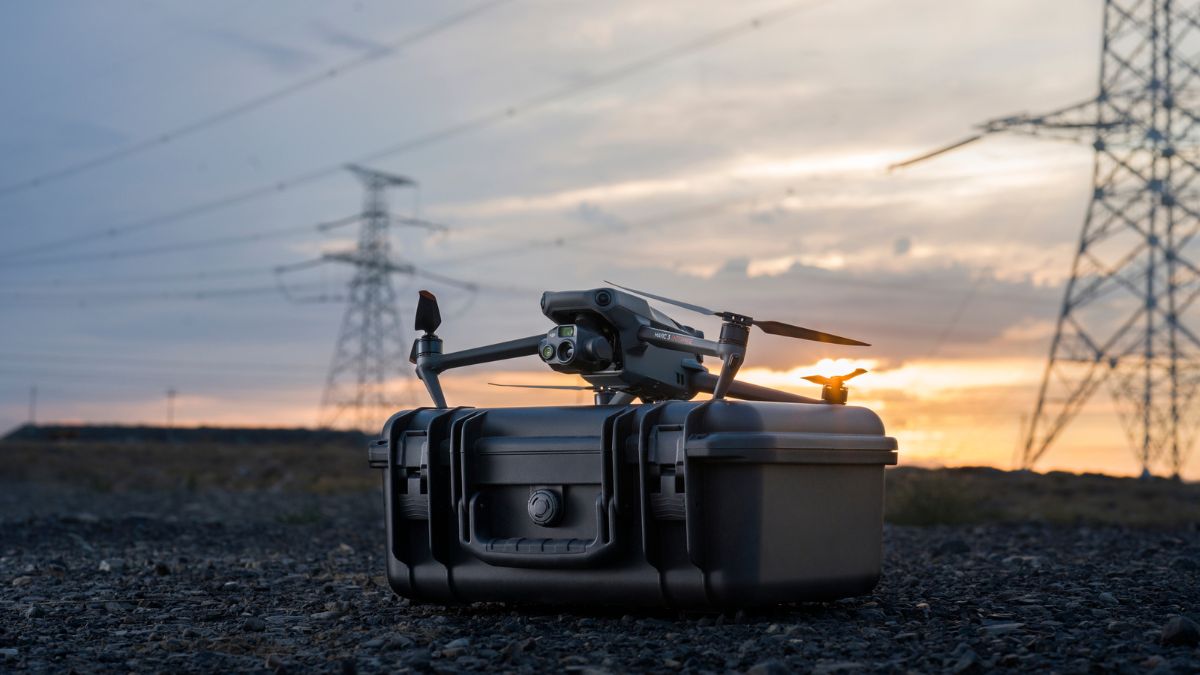
The Mavic 3 Enterprise ships without RTK as standard, a separate module fits to the aircraft's underside and connects via its expansion port. Every step below assumes that module is already fitted, if the RTK icon isn't appearing in Camera View's settings menu, that's the first thing to check rather than anything on the Emlid side. Our Mavic 3 Enterprise RTK setup guide covers fitting it in full.
Two Ways to Pair: Local NTRIP vs Emlid Caster
Method | Needs internet | Range | Setup |
|---|---|---|---|
Local NTRIP | No | Limited to the shared WiFi network's coverage | Base broadcasts locally, controller joins the same network |
Emlid Caster | Yes, on the Reach and on the controller separately | Not tied to a local network, works anywhere both sides have signal | Base and rover credentials issued by Emlid Caster |
Local NTRIP suits a fixed site where the base and the RC Pro Enterprise controller can genuinely share one WiFi network, a hotspot from the base itself or a site router. Emlid Caster suits a site without that shared network, or one where the aircraft is working further from the base than a WiFi hotspot reasonably reaches.
Setting Up the Reach Receiver as a Base
Position the Reach on a tripod with a clear sky view, the same placement discipline as any RTK base. In Emlid Flow, connect to the receiver and select Base output.
For Local NTRIP, choosing that option generates rover credentials directly on the receiver, no internet connection needed on either side. For Emlid Caster, the receiver needs its own internet connection first, then Base output is set to NTRIP with the base credentials Emlid Caster issues: address, port, username, password and mount point.
Connecting the Mavic 3 Enterprise
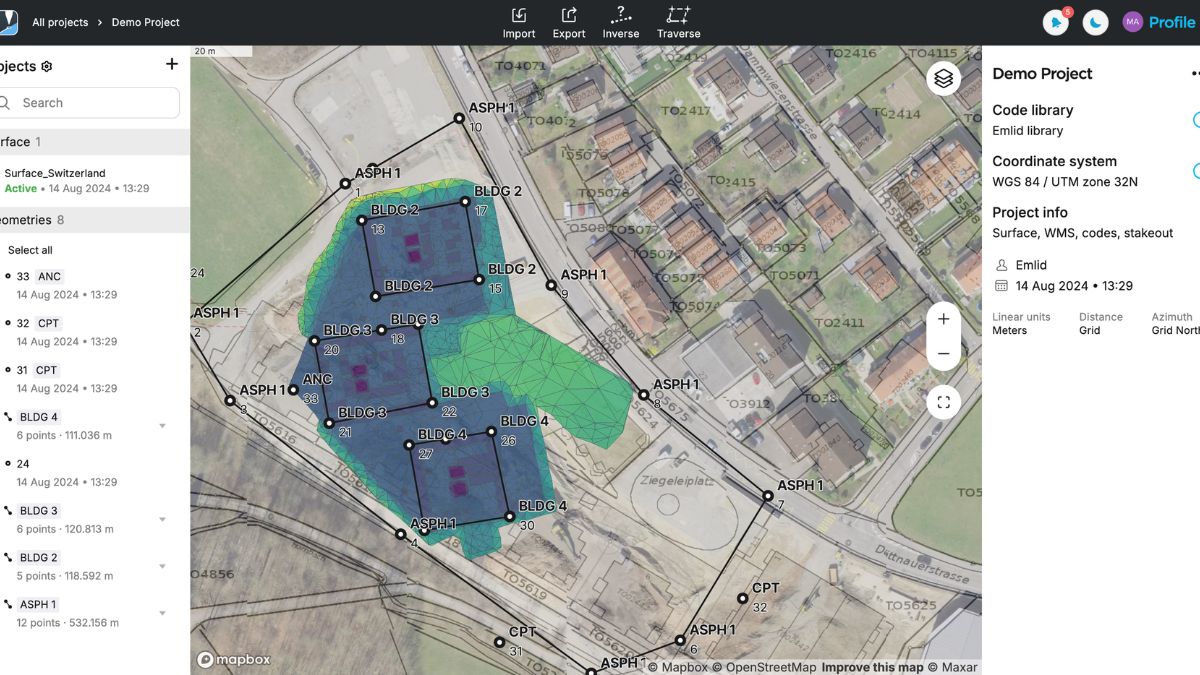
In DJI Pilot 2, once the module's fitted, the path is the RTK settings screen, then RTK Service Type set to Custom Network RTK. The fields match whichever method was set up on the Reach: NTRIP host address, port, account and password, and the mount point name, using the rover credentials rather than the base credentials in either case.
The Controller Needs Its Own Internet Connection
This is the point that trips up most first attempts at Emlid Caster pairing, and it applies to the Mavic 3 Enterprise the same way it does to every DJI Enterprise aircraft. The Reach showing green on Emlid Caster doesn't mean the RC Pro Enterprise controller can reach it, the controller needs its own separate internet connection to pull those corrections down, a mobile signal or a phone hotspot if the site itself has none.
Local NTRIP sidesteps this specific failure mode since both sides join the same local network rather than needing independent internet access, but the controller has to stay within range of that network rather than just within RTK correction range of the base.
 Free Gifts Included


RTK Network Subscription - 1Y Unlimited
More than 7,500 base stations · Accuracy of 1.5cm with EU Certification
 Free Gifts Included
Common Questions
Yes. Without it, no RTK setting appears in Pilot 2 at all, regardless of whether the Emlid base is running correctly.
No, it doesn't support those radio links directly. Pairing goes through NTRIP instead, either Local NTRIP over a shared WiFi network or Emlid Caster over the internet.
Almost always a controller-side internet problem on an Emlid Caster setup, check the RC Pro Enterprise controller has its own internet access independently of the Reach.
Local NTRIP, since it needs no internet access on either side, only a shared WiFi network between the base and the controller.
No, both feed the same Custom Network RTK setting on the aircraft; the 1cm + 1ppm horizontal figure is a function of the RTK module and FIX status, not which brand of base is supplying the correction.