Two Ways to Pair: Local NTRIP vs Emlid Caster
Method | Needs internet | Range | Setup |
|---|---|---|---|
Local NTRIP | No | Limited to the shared WiFi network's coverage | Base broadcasts locally, controller joins the same network |
Emlid Caster | Yes, on the Reach and on the controller separately | Not tied to a local network, works anywhere both sides have signal | Base and rover credentials issued by Emlid Caster |
Local NTRIP suits a fixed site where the base and the drone controller can genuinely share one WiFi network, a hotspot from the base itself or a site router. Emlid Caster suits a site without that shared network, or one where the aircraft is working further from the base than a WiFi hotspot reasonably reaches.
Setting Up the Reach Receiver as a Base
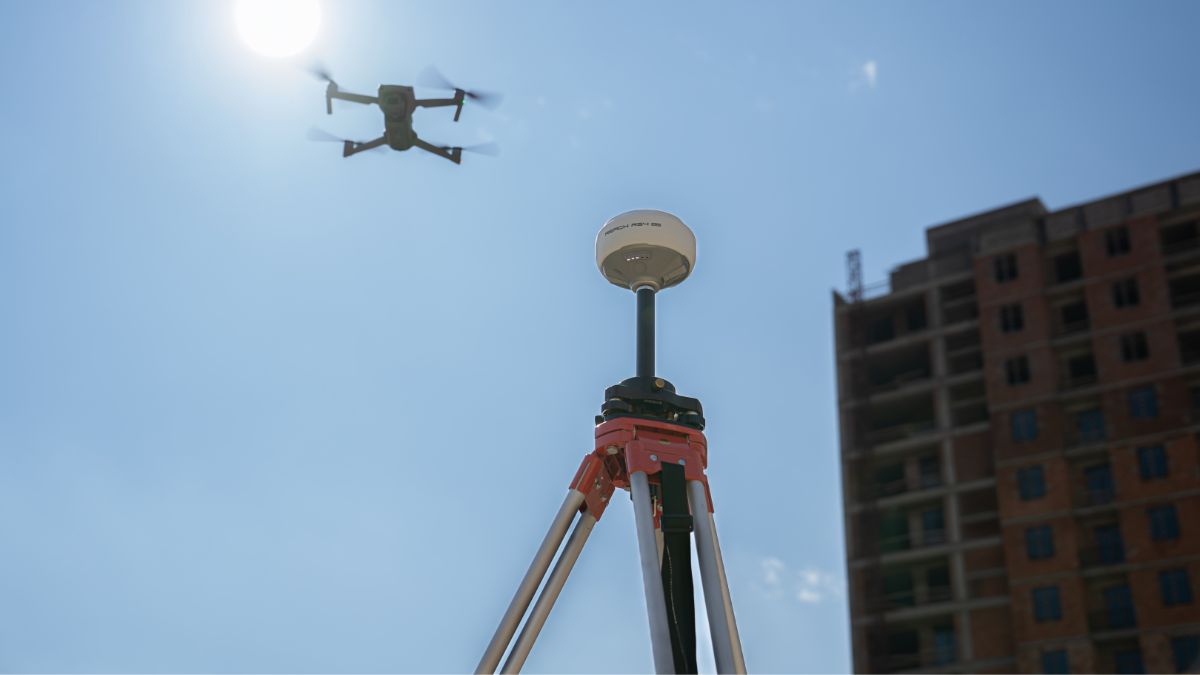
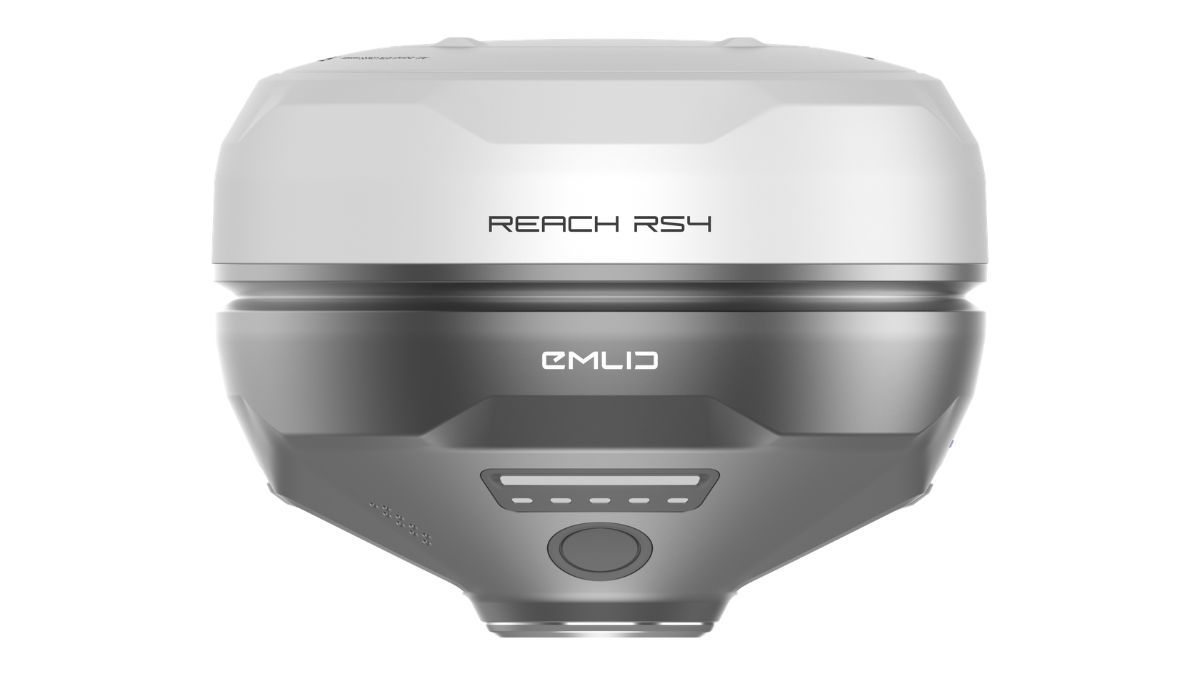
Position the Reach on a tripod with a clear sky view, the same placement discipline as any RTK base. In Emlid Flow, connect to the receiver and select Base output.
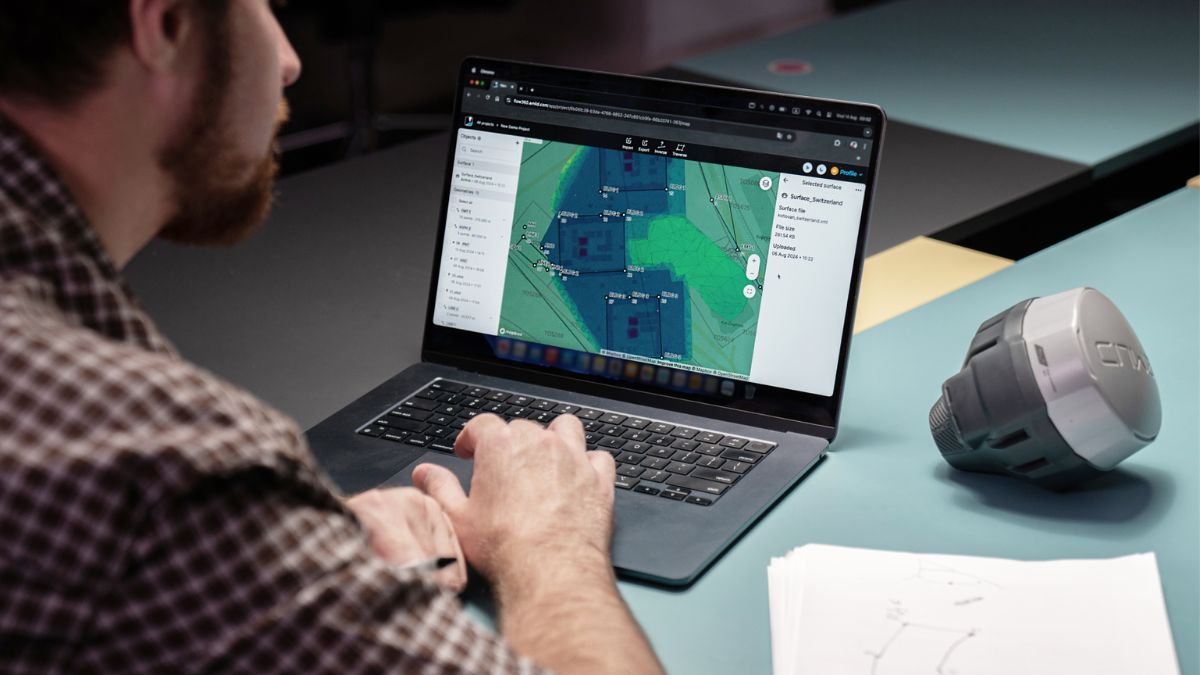
For Local NTRIP, choosing that option generates rover credentials directly on the receiver, accessible through the Information button, no internet connection needed on either side. For Emlid Caster, the receiver needs its own internet connection first, cellular modem, WiFi, or a phone hotspot, then Base output is set to NTRIP with the base credentials Emlid Caster issues: address, port (2101 by default), username, password and mount point.
Connecting the DJI Aircraft
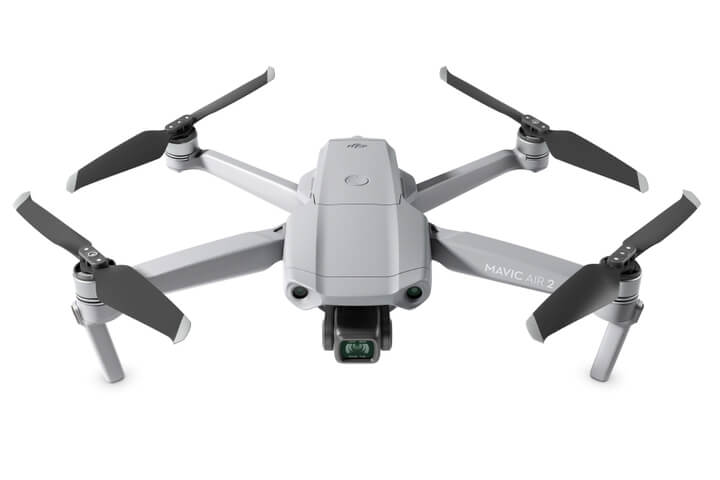
In DJI Pilot 2, the path is Flight Dashboard, then RTK, then Custom Network RTK. The fields match whichever method was set up on the Reach: NTRIP host address, port, account and password, and the mount point name, using the rover credentials rather than the base credentials in either case.
The Controller Needs Its Own Internet Connection
This is the specific point that trips up most first attempts at Emlid Caster pairing. The Reach receiving base station correctly and showing green on Emlid Caster doesn't mean the drone controller can reach it, the controller needs its own separate internet connection to pull those corrections down, a mobile signal or a phone hotspot if the site itself has none. A documented case of exactly this, the base connected and working while the controller sat with no internet access at all, resolved the moment the controller was put on a phone hotspot rather than anything changed on the Reach side.
Local NTRIP sidesteps this specific failure mode since both sides join the same local network rather than needing independent internet access, but it introduces its own constraint: the controller has to actually be within range of that network, not just within RTK correction range of the base.
Choosing Between Local NTRIP and Emlid Caster
Local NTRIP is the simpler setup with nothing to configure beyond selecting it, and it works with zero internet access anywhere on site, useful for a genuinely remote location. Its limitation is range: the controller has to stay inside the same WiFi network as the base, which on most sites means staying closer to the base than the aircraft's own RTK correction range would otherwise allow.
Emlid Caster removes that WiFi range limit entirely, the aircraft can work as far from the base as its correction link and flight range allow, but both the Reach and the controller need independent internet access, and a controller without one is the single most common reason a Caster-based setup fails to connect despite the base itself working correctly

RTK Network Subscription - 1Y Unlimited
More than 7,500 base stations · Accuracy of 1.5cm with EU Certification
 Free Gifts Included
 Free Gifts Included
Common Questions
No, DJI aircraft don't support those radio links directly. Pairing goes through NTRIP instead, either Local NTRIP over a shared WiFi network or Emlid Caster over the internet.
Almost always a controller-side internet problem on an Emlid Caster setup. The base connecting to Caster successfully doesn't mean the controller has its own internet access, check that independently, a phone hotspot resolves it in most cases.
Local NTRIP, since it needs no internet access on either side, only a shared WiFi network between the base and the controller.
No, both go through the same Custom Network RTK setting in DJI Pilot 2, the address, port, account, password and mount point fields, just pointed at whichever source is running.
Yes, the same receiver can survey ground control points independently after or between flights. See our ground control points guide for that workflow specifically.